SSH: secure access to servers without being blocked outside
SSH allows you to administer a server remotely. It's a bit like the building's back door: it must be protected, but changing the lock without checking the new key can also leave the administrator outside.
Understand the two checks
The server verifies the identity of the person connecting. The client also verifies the identity of the server using its host key. An alert of change of this key deserves verification by a reliable channel; it should not be deleted mechanically.
For key authentication, the public key can be installed on the server. The private key remains protected on its owner's computer. Use individual accounts so you can revoke access without disrupting other people.
Change configuration gradually
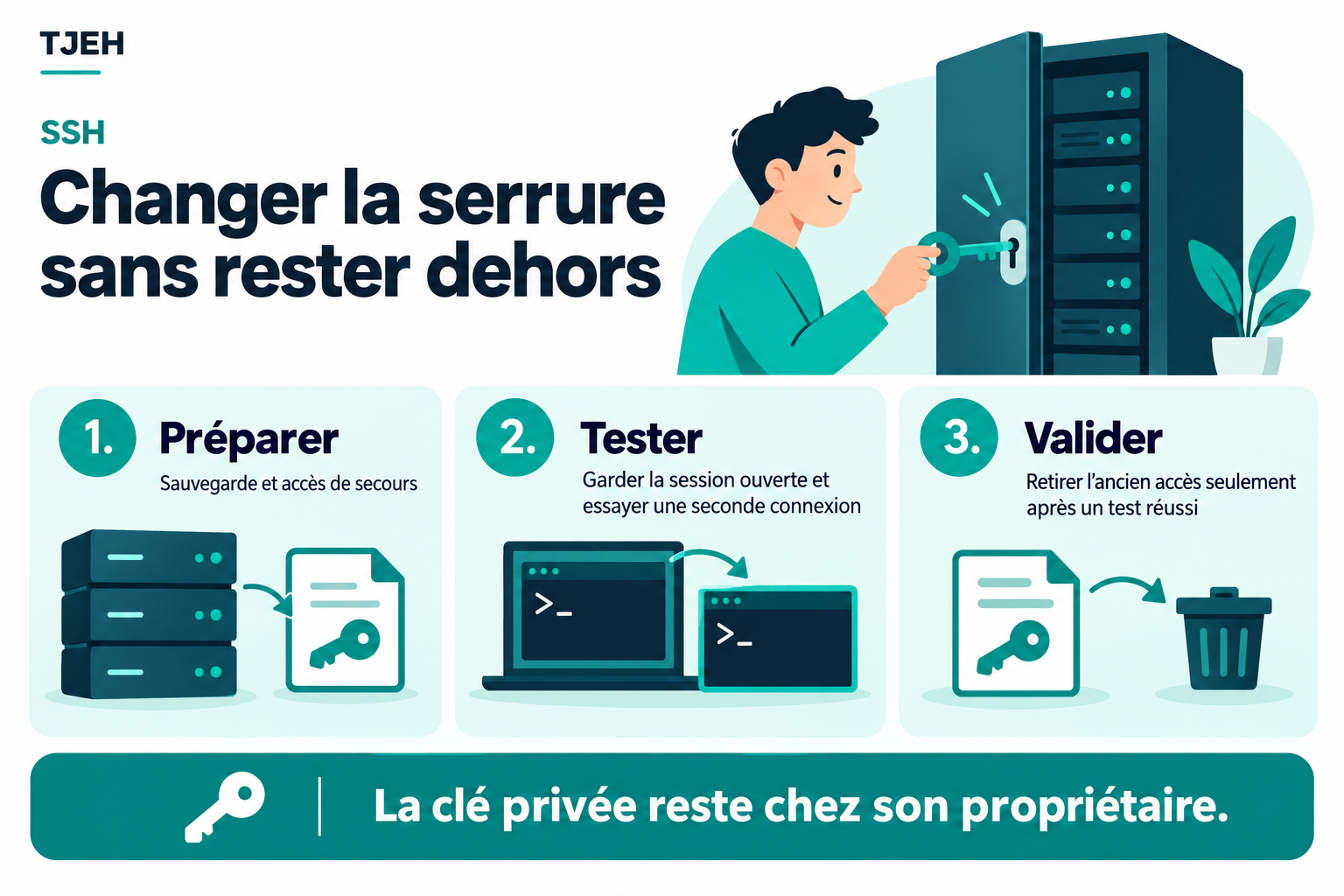
Our proposed method: keep the current session open, save the configuration, and verify that a fallback console is available. Then install the new access method and try a second independent connection.
OpenSSH provides “sshd -t” mode to check configuration validity and key consistency. The “sshd -T” mode also displays the actual configuration. These checks do not replace a real attempt to log in with the accounts concerned.
Only remove the old method after validating the new one and preparing to go back. The name of the service and the top-up procedure depend on the system used.
Bastion and second factor: useful, but to be completely configured
A bastion is a crossing point to reach internal servers. It must itself be maintained, monitored and limited to necessary uses. Its existence does not prove that all commands executed on the servers are recorded.
A second factor can strengthen access, but the entire authentication chain and means of recovery must be verified. A line added to a file does not prove that this factor is actually mandatory for all affected accounts.
The test to do regularly
Take a fictitious account: check its authorized access, remove its key or authorization, then confirm that a new connection is refused. Separately check the processing of already opened sessions.
Document who has access, why, and how to remove it. For a small team, this simple register prevents an old service provider key from remaining usable months after an intervention.
Official sources
Documentation accessed October 28, 2026. Use your version's manual for exact settings.